Create professional service-area & franchise maps in seconds.
OvertMaps generates clean, high-resolution maps you can drop onto your website, Google Business Profile, proposals, or printed materials — without any GIS experience.
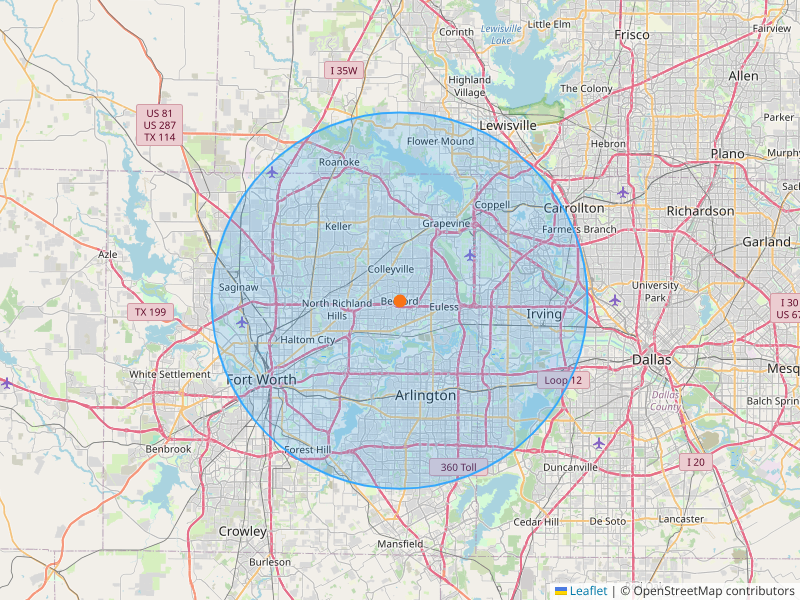
What OvertMaps Creates For You
Crisp, on-brand visuals that make your service area obvious at a glance.
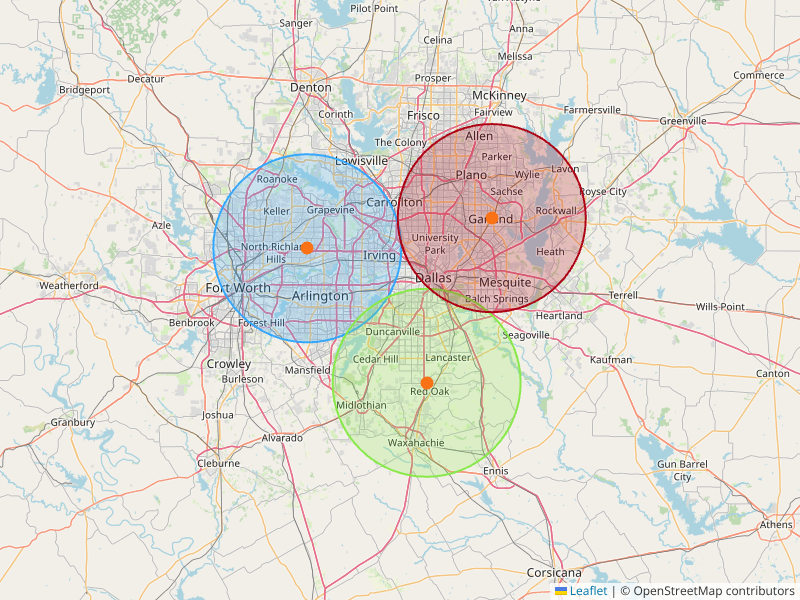
Service Area Map
Multi-radius coverage maps that make it crystal clear where you work — perfect for websites and Google Business Profiles.
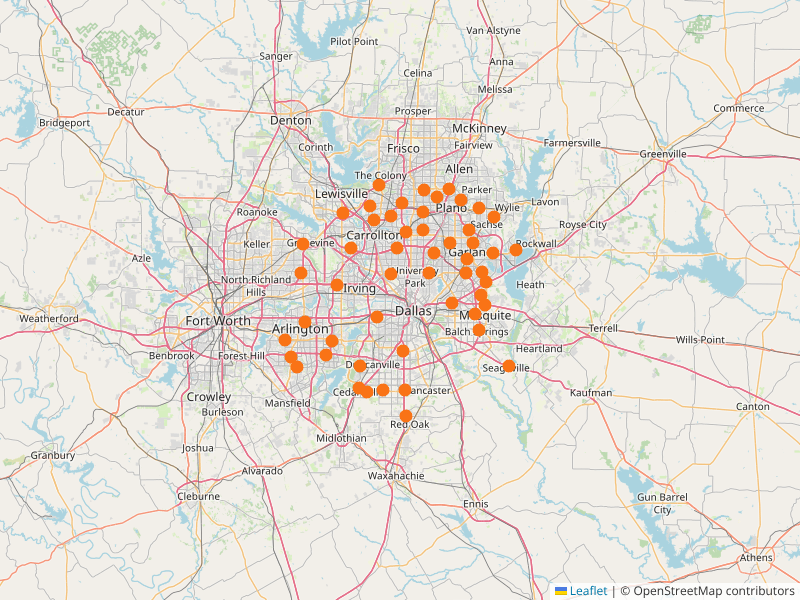
Franchise Location Map
Automatically locate franchises (e.g., Walmart) within a radius and export a clean visual for territories or competition analysis.
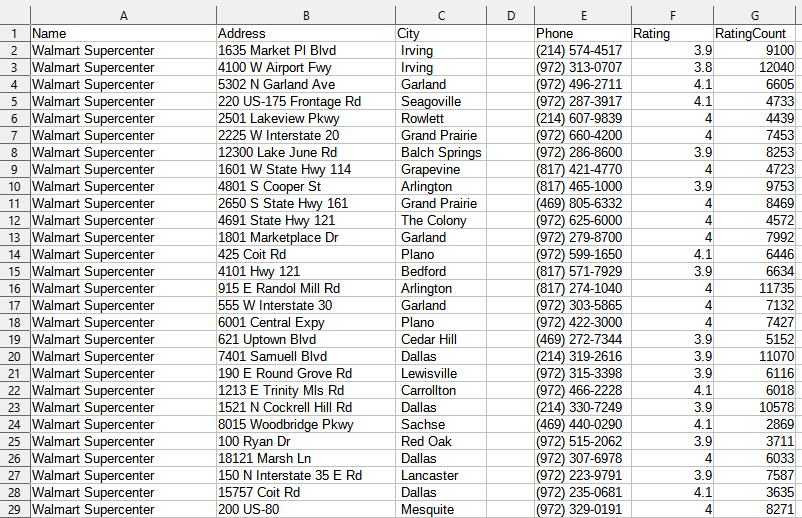
4K PDF Export
Generate sharp, print-ready PDFs for proposals, investor decks, or franchise packets in seconds.
Built for Service Businesses, Franchises & Agencies
OvertMaps focuses on real-world outcomes, not GIS jargon.
⚡ Fast & Ridiculously Simple
Enter an address, select radius and colors, and download. Most users create their first usable map in under 30 seconds.
🎯 Franchise Locators
Search for major brands near your location and overlay them on your map for territory planning and competitor checks.
🖨️ High-Resolution Outputs
Export 4K PNG and PDF files that still look sharp on large monitors and printed handouts.
🌐 Google Business Ready
Upload your map directly to your Google Business Profile so customers can instantly understand your coverage area.
📍 Multi-Ring Service Areas
Show different pricing zones or travel charges by stacking multiple radii around a single location.
💼 Agency & Franchise Friendly
Generate consistent maps across multiple markets or territories and package them into branded PDFs.
How OvertMaps Works
A focused workflow from address to ready-to-use map.
Simple, Transparent Pricing
No subscriptions required — pay only when you need a finished map.
Standard PNG
Perfect for websites & GBP
High-Res PNG
Extra sharp, large display
Full 4K Bundle
PNG + PDF + ZIP
Ready to See Your Service Area in 4K?
Open the builder, type your address, and create a map your customers actually understand.
Open the Map Builder